

What are Claude Code hooks?
Commands that Claude Code runs automatically at set points in a session, such as before a tool call, after an edit or when a task finishes. They apply your rules every time.
Claude Code
Claude Code hooks are commands that run automatically at set points in a session, such as before a tool runs or after a file is edited. A prompt asks Claude to follow a rule. A hook makes the rule happen every time.
Updated September 30, 2026 · By Dr. Sam Sammane
From the TheoSym channel
Published September 21, 2026
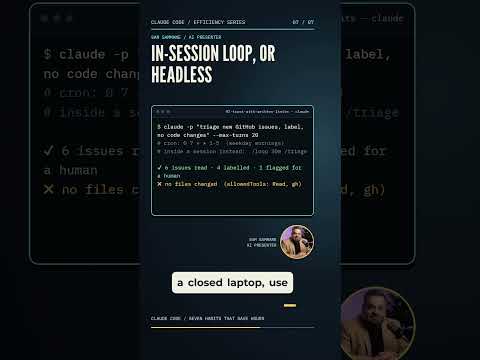
A 54-second TheoSym short on the difference between asking Claude Code to follow a rule and making it follow the rule with a hook.
Watch on YouTubeWhen you write "always run the formatter" in a prompt or a project instruction file, you are making a request. The model usually follows it, and sometimes it does not.
A hook is not a request. It is code that the tool runs at a fixed point, whether or not the model remembers. Use prompts for guidance and hooks for anything you cannot afford to have skipped.
You attach a hook to a moment in the session. Common ones are:
Events and settings are documented in the Claude Code hooks guide. Names and options change, so use the guide for current syntax.
Hooks run commands on your machine with your permissions. Review them like any script, keep them in version control and be careful with hooks you copy from someone else. Used well, they are the strongest way to put your limits in writing. See our Claude Code best practices for how hooks fit with plan mode and skills.
Commands that Claude Code runs automatically at set points in a session, such as before a tool call, after an edit or when a task finishes. They apply your rules every time.
A prompt is a request the model may or may not follow. A hook is code that always runs at its trigger point, so it enforces the rule.
Yes. A hook that runs before a tool call can inspect the action and block it, for example an edit to a protected file. The Claude Code hooks guide describes how a hook signals a block.
In the Claude Code settings. Project-level settings are shared with your team through version control, and user-level settings apply to you only.
They run commands with your permissions, so review them like any script and only use hooks you understand.
TheoSym ships production agents with the eval suite, MCP tools and harness included. Bring one real workflow to a 15-minute call with Sam and see what building it would involve.